Custom Telegram Views Bot: Auto Views on Every New Post (2026)
Set your views per post once in @Telesmmviews_bot and every new post in your channel gets them automatically. No code needed.
By Telesmm Team, Growth Experts · 4 min read
Build a custom Telegram views bot in Python. It spots every new post in your channel and orders views through the Telesmm API, using your rules and a daily cap. Full code and ₹ costs.
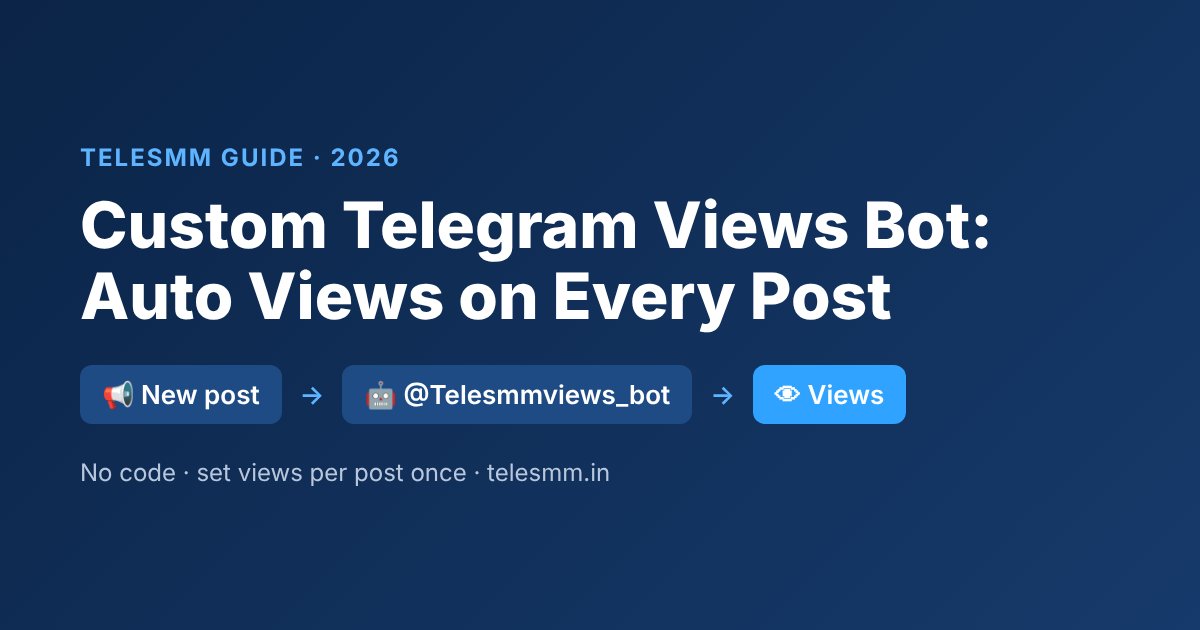
A custom Telegram views bot puts views on every new post in your channel, automatically. You don't need to write code or run a server. Telesmm's own bot, @Telesmmviews_bot, does it for you: connect your channel once, choose how many views each post should get, and every post you publish after that gets them on its own.
This guide shows what the bot does, how to set it up in a few minutes, and how to pick a views number that looks natural.
Quick summary
@Telesmmviews_bot is Telesmm's ready-made custom Telegram views bot. No coding needed.
You set the number of views per post. Every new post gets that number automatically.
You pay from your Telesmm wallet (UPI, cards or wallet top-up) at the same prices as the website.
Live order status and human support are inside the same chat.
What is a custom Telegram views bot?
It's a bot that watches your channel and adds views to each new post the moment you publish it. "Custom" means you decide the number. A channel with 2,000 members might want 600 views per post, while a channel with 20,000 members might want 6,000.
Without a bot, you would copy each post link, open an SMM panel and place a new order every time you post. With the bot, you set it up once and forget it.
Why use @Telesmmviews_bot?
Your number, every post. Choose the views per post that fits your channel size.
Fully automatic. New posts get views on their own, even when you're asleep.
No code, no server. Everything runs inside Telegram.
Same prices as the website. Top up your wallet and pay per 1,000 views. See current rates on the Telesmm services page.
A real human replies. If something looks off, message support and a person answers, usually in minutes.
How to set up your custom views bot (step by step)
Open the bot. Go to @Telesmmviews_bot and tap Start.
Add balance. Top up your wallet inside the bot with UPI, card or wallet.
Choose Auto-views. Send /order and pick Auto-views.
Add your channel. Share your channel link when the bot asks for it.
Set views per post. Enter how many views each new post should get.
Publish. Post as usual. Each new post now gets your chosen views automatically, and you can check the status in the bot.
How many views per post should you set?
Healthy Telegram channels usually get views equal to 30–60% of their members on each post. Stay in that range so your numbers look natural to readers and advertisers.
Channel members | Suggested views per post |
|---|---|
1,000 | 300–600 |
5,000 | 1,500–3,000 |
20,000 | 6,000–12,000 |
Avoid numbers far above your member count. 10,000 views on a 1,000-member channel looks fake. Our guide on how to increase Telegram post views explains this ratio in more detail.
Not sure where to start? Pick the lower number in the range for your channel size. After a week, look at how your posts perform and move the number up or down a little. Small, steady changes look far more natural than sudden jumps.
Custom views bot vs placing orders by hand
Custom views bot | Manual orders | |
|---|---|---|
Work per post | None after setup | New order every time |
Views on time | Right after you post | Only when you remember |
Best for | Channels that post daily | One-off boosts on old posts |
Want views on an older post instead? Order one-time post views from the website. For more on automatic views, read our Telegram auto views guide.
Tips to get more from your views bot
Grow the number with your channel. When your members go up, raise your views per post too.
Add reactions. Views plus a few reactions look more alive. See how to increase reactions on Telegram posts.
Keep your wallet topped up. If the balance runs out, new posts won't get views.
Post good content. Views get people to look. Good posts make them stay and share.
Who should use a views bot?
News and update channels that post several times a day and need every post to look active.
New channels that want early posts to look alive while real members grow.
Promo and deals channels where advertisers check views before buying ads.
Agencies and admins who run channels for clients and want steady numbers without daily work.
Common mistakes to avoid
Setting the same high number forever. Raise or lower your views per post as your member count changes.
Letting the wallet run empty. New posts won't get views until you top up again.
Ignoring real engagement. Views bring attention, but good posts, polls and replies keep people in the channel and bring new members.
Going too high on a small channel. Start near 30% of your members, watch a week of posts, then adjust.
Not asking for help. If an order looks stuck, message support in the bot instead of waiting. A real person checks it.
FAQ
Do I need to know coding to use this bot?
No. @Telesmmviews_bot is ready to use. You only open it, add balance and set your views per post.
Will old posts get views too?
No. The bot adds views to new posts you publish after setup. For old posts, place a one-time order on the website.
Do I need to share my phone number or password?
No. Telesmm never asks for your Telegram login.
Can I change the views per post later?
Yes. Open the bot and update your setting whenever your channel grows. If you get stuck, message support.
Can my channel get banned?
No service can promise what Telegram will do. Keep your views in a natural range (30–60% of members) and your numbers will look normal.
Final word
A custom Telegram views bot saves you from ordering views by hand for every post. With @Telesmmviews_bot, you set your number once and every new post gets it automatically, with a real human to help if anything goes wrong.
Open @Telesmmviews_bot to set it up now, or browse every service on our Telegram SMM panel page.
smm panel api telegram telegram auto views telegram bot telegram views telegram views bot